
 PASSEvent
Everything to run your event
- All 3 modes available
- Your colors, your logo
- Manual drawing moderation
- Prep meeting with the team before the event
- Report and archives after the event
Your guests let their creativity run free!
Their drawings come to life in real time on the big screen.
The 3 modes · guest experience
Several creative modes are available: collaborative drawing, creative battle and coloring, for immersive, collective, playful and interactive experiences. Pick a mode to see what your guests experience, step by step.
Collective drawing
Mural · Every guest has a spot on the wall. The screen fills up as the evening goes on.
Head to head
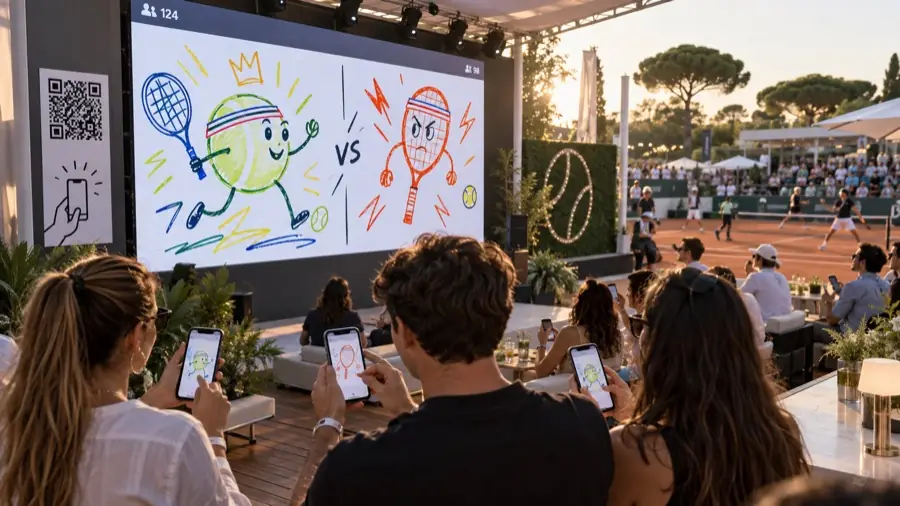
Duel · Two guests draw the same theme against the clock. The room votes and the winner is announced.
For all ages
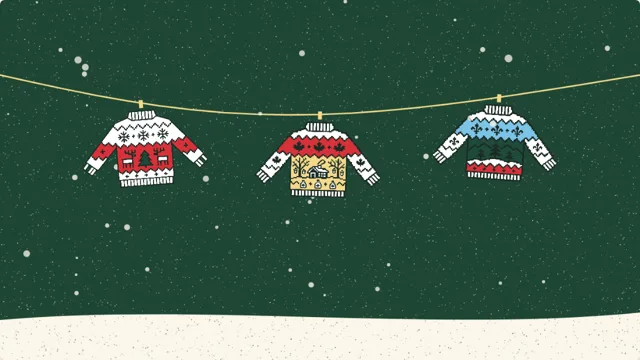
Colouring · Everyone colors a printed sheet with pencils. Snap a photo and it comes to life on screen: reef fish, Christmas sweaters.
In action
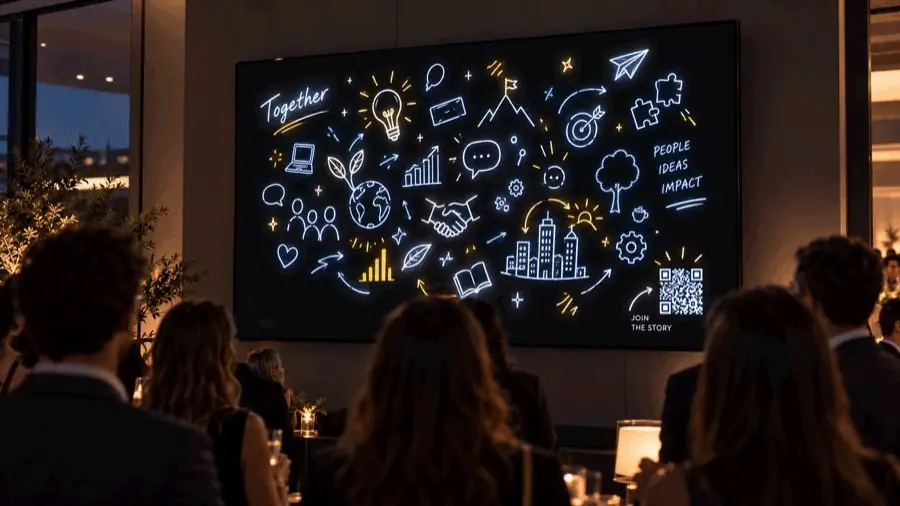
A living guest book that guests fill in together.
The Christmas sweater duel, with the whole room voting.
An icebreaker between two talks, without breaking the pace.
Brand logo and colors, a wall that draws visitors in.
Visitors draw, and the dome’s sky fills up with their creations.
For organizers
A simple tool, designed for your team: all you need is a computer connected to the screen and a fast, reliable internet connection. Everything is set up from your Gribouille space.
Your colors, your logo, your backgrounds and ready-to-use templates, from the Christmas party to the product launch.
Create your event, open the display screen: the QR code is ready and your guests can start drawing.
Switch modes in one click or schedule them ahead of time, moderate drawings, and find the report and archives after the event.
A clear offer, tailored to your event. We review it together: date, venue, guests, screen.
Your colors, your logo and, if needed, customized modes.
Together, we make sure everything works before the big day.
Your guests draw, you stay in control. Report afterwards.
Also in a 360° dome
Planetarium, immersive room: your visitors are no longer spectators, they become artists.
Kids colour their sheet on paper, it’s photographed, and their creation joins the dome’s big fresco, right above their heads. Same idea for Fresque and Duel: everyone draws on their phone and sees their drawing appear in the dome’s sky.
Easy to deploy: a computer connected to your projection system is all you need, Gribouille handles the fulldome format.
Let’s talk →Plans
One pass per event, on your dates, for organizers, agencies and large events. Pick the one that fits you.
PASSEvent PASSEvent +
The Event pass, with these options:
What you need
Frequently asked questions
No. Guests scan the QR code and draw in their browser.
Depending on your plan: from a few dozen to several hundred guests.
You do, from the Moderation tab, with an optional AI assistant.
They don’t need to create an account. Drawings are kept for your report, then deleted.
You change the date in your space, free of charge until the day before.
Contact
Tell us in a few words what you’re planning. We’ll get back to you to set up a meeting and show you Gribouille.
Let’s take a moment to talk it over: we’ll show you Gribouille and plan your event with you.